


video tutorials for social media
Riverside FM vs SubtitleBee: Best tool for subtitles and transcription
If you are used to creating video content, you probably know that subtitles are essential nowadays to boost engagement, improve accessibility, and reach a global audience. So, the real question is not whether to add subtitles, but deciding which tool to use?.
Riverside FM and SubtitleBee are two popular subtitling and captioning tools. They both offer transcription and subtitling features, but they serve very different purposes.
Riverside FM is a recording-first platform. It is primarily designed for podcasters and live streamers, and also has support for transcription. SubtitleBee, on the other hand, is a subtitling-first tool. It is built specifically for captions, transcription, and translation.
So which one is right for you?
In this detailed comparison of Riverside FM vs SubtitleBee, we’ll break down the features, pricing, and user experience of both of SubtitleBee and Riverside.fm help you make a smart decision.
Quick overview: What SubtitleBee vs Riverside FM tool do best?
Before diving into the detailed comparison, let’s go through the core functionalities of both SubtitleBee and Riverside FM:
Overview of Riverside FM
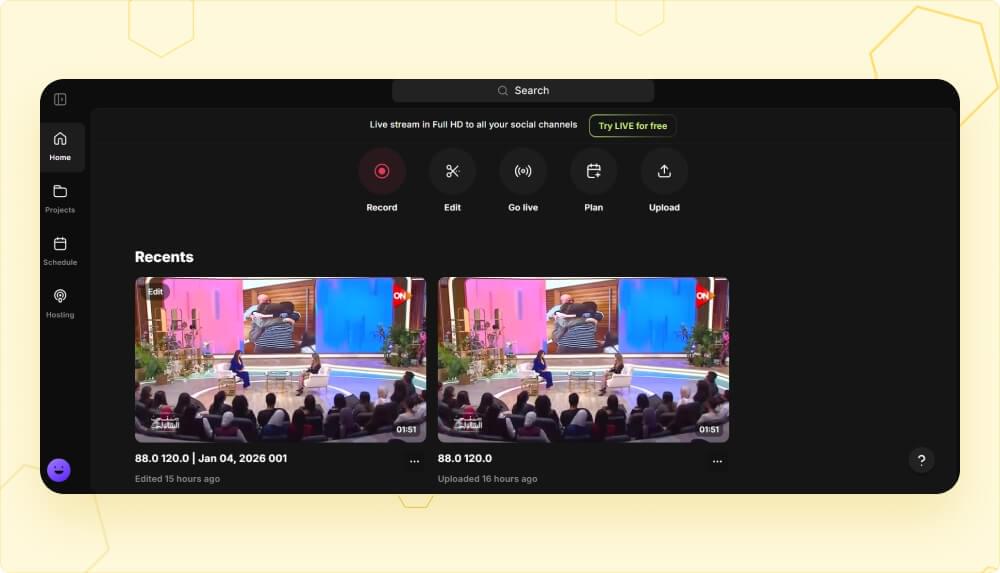
Riverside FM is an all-in-one recording studio. It is built for podcasters, interviewers, and live streamers. It is known for offering studio-quality video and audio recording, live streaming to multiple platforms, webinar hosting, and text-based editing.

Features related to transcription and captions/subtitles are part of the package, but they are not the main focus. You can think of Riverside more as a production suite that happens to include a subtitling feature.
Also read: What is Riverside FM? Pricing, alternatives, pros, and cons
Overview of SubtitleBee
SubtitleBee is a dedicated subtitling and transcription tool. It is specially designed to generate auto-synced and accurate subtitles, translate them into 120+ languages, and give you full control over styling and formatting.
You don’t get any recording studio or live streaming features in SubtitleBee because it is meant to be a platform for fast and accurate subtitle generation. You also get additional features like overlay captions, video resizing, and custom branding.
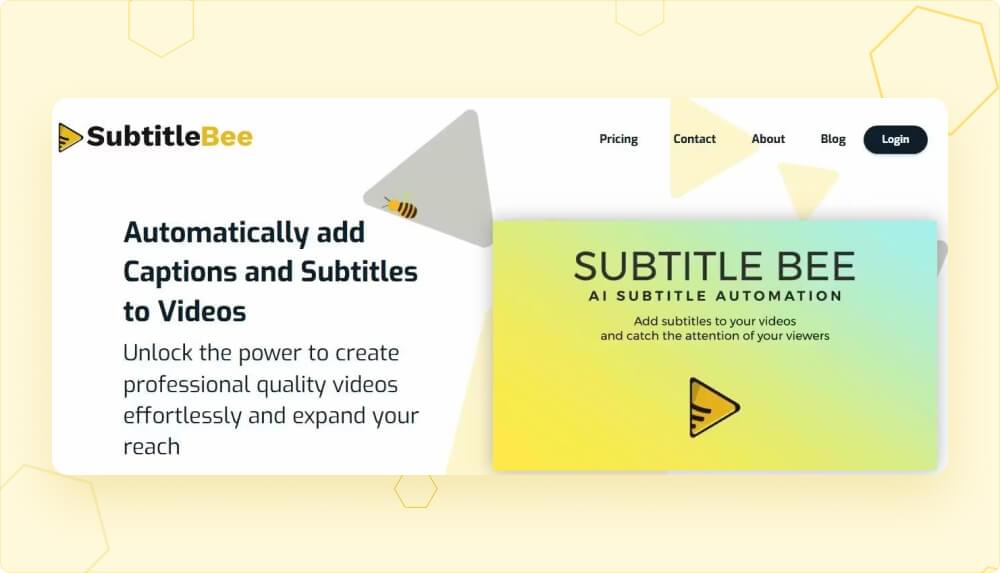
Overall, knowing the core features is important to truly understand the difference between SubtitleBee vs Riverside FM. These features show that when you pay for Riverside FM, you are paying for recording features, whether you use them or not. When you pay for SubtitleBee, every dollar goes toward subtitling capabilities.
Feature comparison: Subtitles and transcription
Let’s compare the specific features that matter most for subtitles and transcription.
| Feature | SubtitleBee | Riverside FM |
|---|---|---|
| Languages supported | 120+ | 100+ |
| Claimed accuracy | 99% | 99% |
| Audio transcription | Yes | Yes |
| Video transcription | Yes | Yes |
| Subtitle translation | Yes (120+ languages) | No |
| Subtitle export formats | SRT, VTT, TXT, ASS | SRT, TXT |
| Language selection on upload | Yes | No (hidden in settings) |
| Overlay captions / styling | Yes | No |
| Custom fonts | Yes (up to 30+ styles) | No |
| Video resizing for social media | Yes | No |
| Custom logo / watermark | Yes | No |
| Manual caption timing adjustment | Yes | Limited |
| Progress bar for videos | Yes | No |
Both SubtitleBee and Riverside FM claim to have 99% transcription accuracy. They both support more than 100 languages, so you’ll get reliable results with either tool. However, significant differences show up in what you can do with these software after the transcription is generated:
1. Translation
SubtitleBee lets you translate subtitles into 120+ languages from the same dashboard. So, if you want to generate subtitles in your video’s native language and then translate the captions for international audiences, you can do it all without leaving the tool.
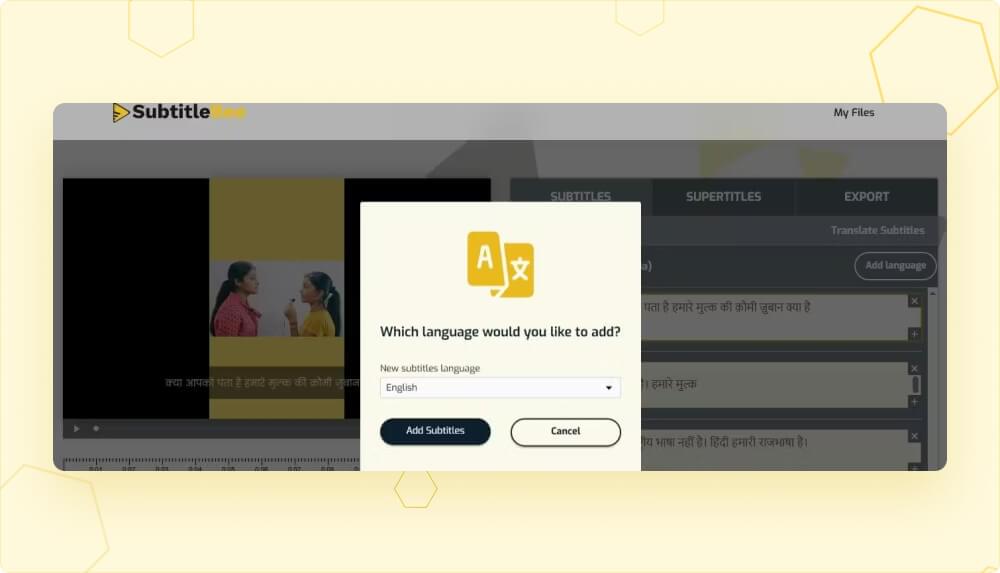
On the other hand, Riverside FM does not offer subtitle translation. So, a video captioned with Riverside FM is only limited to its native language that can limit your reach.

2. Export Flexibility
With SubtitleBee, you can export and download the transcription or subtitle files in SRT, VTT, TXT, and ASS formats. Hence, you have significant flexibility when it comes to creating subtitles for different platforms and use cases.
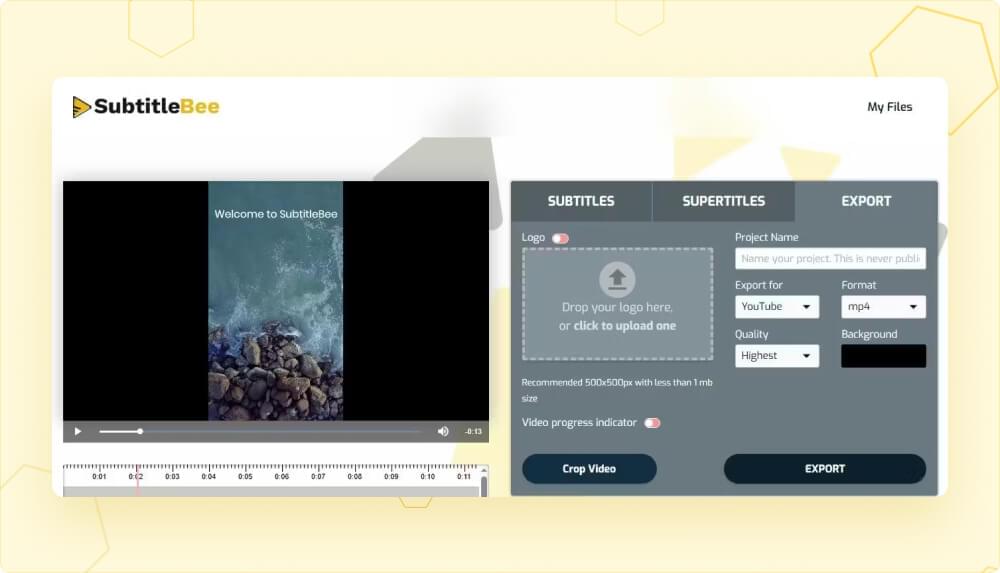
Riverside FM only supports exporting in SRT ot TXT files. So, if you need VTT files for web players or ASS files for advanced styling, SubtitleBee is the perfect choice!
3. Styling and Customization
Styling and customization options immediately set SubtitleBee apart from Riverside and other subtitling tools. SubtitleBee has many features related to overlay captions, custom fonts, and the ability to add your logo/watermark. You can easily adjust the color, style, and size of your captions and overlay captions.
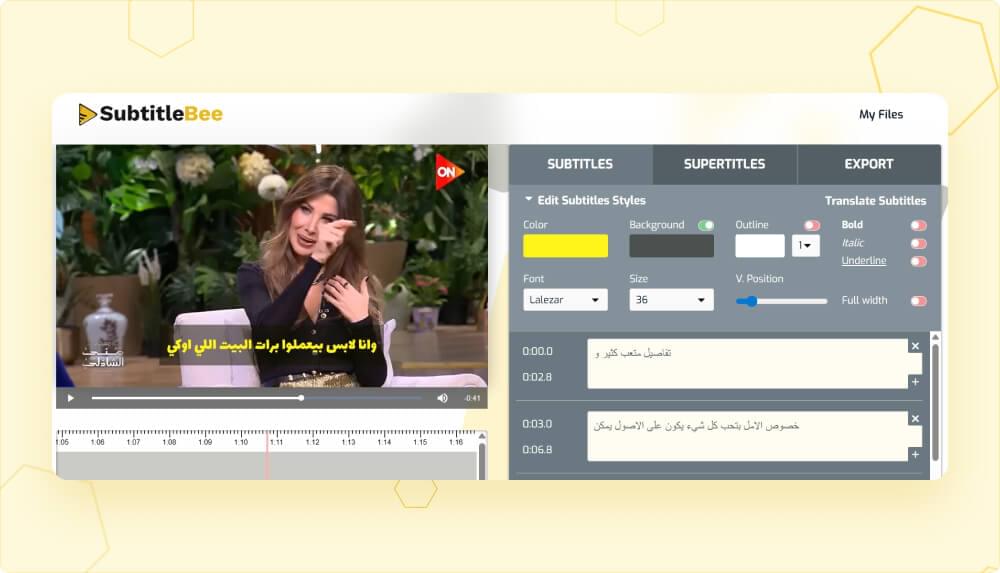
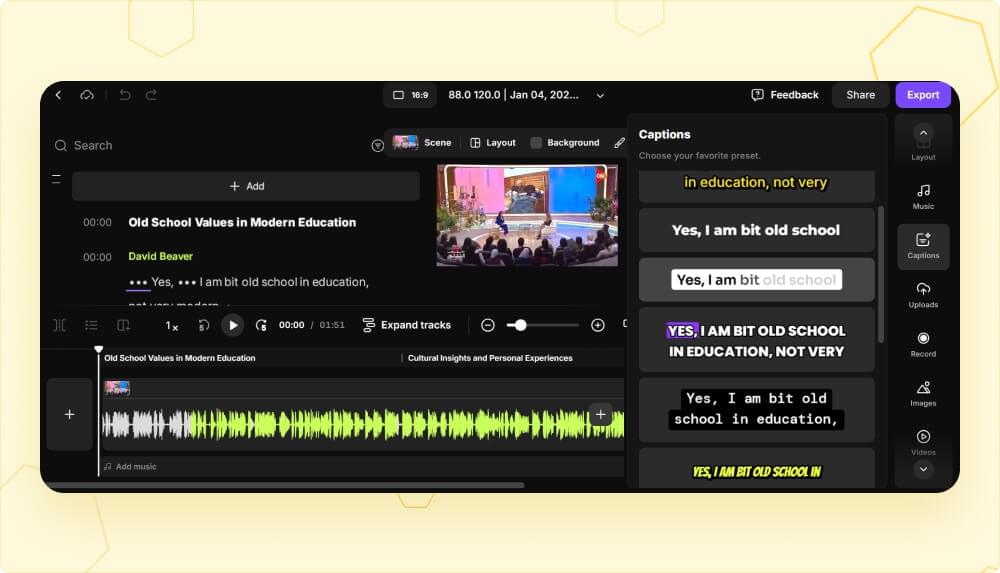
Riverside FM has a great focus on transcription accuracy, but it does not offer the same level of visual customization. It only offers a limited set of pre-defined caption styles.
SubtitleBee vs Riverside FM pricing
Knowing the difference between the pricing plans of Subtitlebee and Riverside FM is also a viable way of choosing the right platform.
Let’s look at the pricing structure of both of these platforms one by one:
SubtitleBee pricing
| Plan | Monthly price | Minutes included | Key features |
|---|---|---|---|
| Free Trial | $0 | 10 minutes | Basic subtitles, 1 video export |
| Starter | $16/mo (billed yearly) | 240 minutes/mo | 12 exports, 3 translations/video, 20 overlay captions |
| Premium | $43/mo (billed yearly) | 1,050 minutes/mo | 35 exports, 10 translations/video, 50 overlay captions, custom logo |
| Business | $113/mo (billed yearly) | 3,600 minutes/mo | 60 exports, 15 translations/video, all font styles, priority support |
Riverside FM pricing
| Plan | Monthly price | Key features |
|---|---|---|
| Free | $0 | 2 hours recording, watermark included |
| Pro | $24/mo (billed yearly) | 15 hours multi-track recording, unlimited transcriptions, AI editing tools |
| Live | $34/mo (billed yearly) | Everything in Pro + live streaming, multi-streaming |
| Webinar | $79/mo (billed yearly) | Everything in Live + webinar hosting for 100 registrants |
| Business | Custom pricing | Unlimited recording, 10,000 webinar registrants, API access |
Overall, these pricing plans show that SubtitleBee is focused on features like subtitling, transcription, translation, overlay captions, and multiple export formats. On the other hand, Riverside FM is a little more expensive than SubtitleBee and provides a bundle of features related to studio recording, live streaming capabilities, and AI editing tools.
If you have already recorded your videos and you just need subtitles or transcription, you will be paying $8 more per month for Riverside features that you are not likely to use. This can result in $100 more money in yearly spending, just at the basic level. The gap widens at higher tiers.
Choosing the right platform between SubtitleBee and Riverside FM
Now that we have discussed all the key aspects of SubtitleBee vs Riverside FM, let’s summarize which tool should you pick for different use cases.
When to pick Riverside FM?
Riverside FM can be the right tool for you when:
- You need studio-quality recording for podcasts, interviews, or remote content, as it can record in up to 4K video and 48kHz audio quality.
- Live streaming is integral to your business and you want to multi-stream to social media platforms like YouTube, Facebook, LinkedIn, Instagram, X, and Twitch simultaneously.
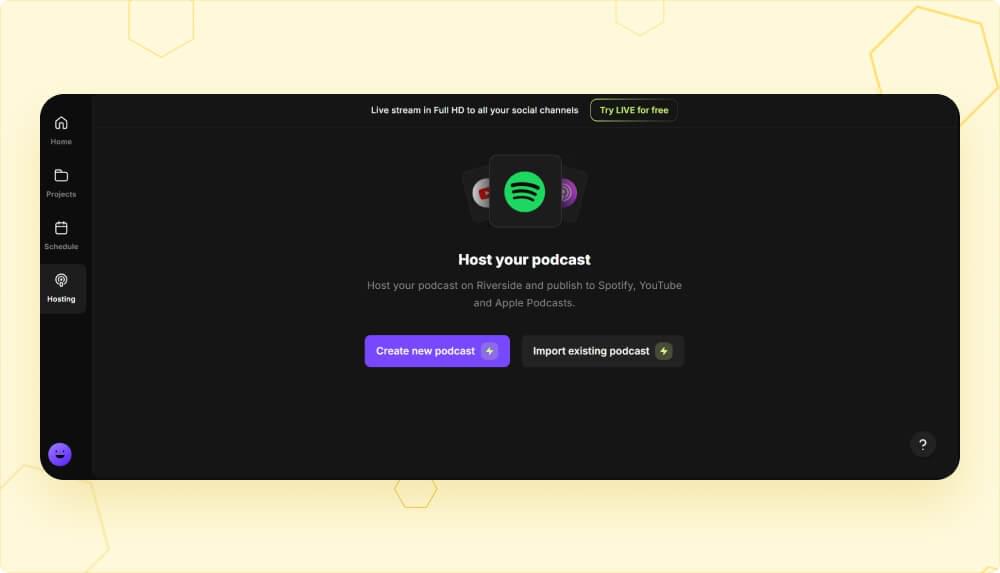
- You host webinars with lead capture as Riverside FM offers CRM integration options, automated email reminders, and registration forms.
- You want to combine video recording with transcription to save time and record, edit, transcribe, and publish video to social media through the same platform.
Overall, the common thread is that Riverside FM has impressive recording and production features, but the transcription or captioning part itself is a bonus feature and not the hero.
When SubtitleBee is the better choice?
SubtitleBee is likely to be the better and smarter choice for content creators whose primary requirement is accurate subtitles, transcription, translation, or overlay captions. You should pick SubtitleBee when:
- Your videos are already recorded, and you want to enhance them with accurate subtitles or convert them to another format.
- You need subtitles in multiple languages, as SubtitleBee supports 120+ languages, allowing users to add captions in video’s native language as well as any translated language.
- You want control over subtitle styling through features like overlay captions, custom fonts, color options, and the ability to add your logo on videos. This kind of creative flexibility is simply not available in Riverside FM.
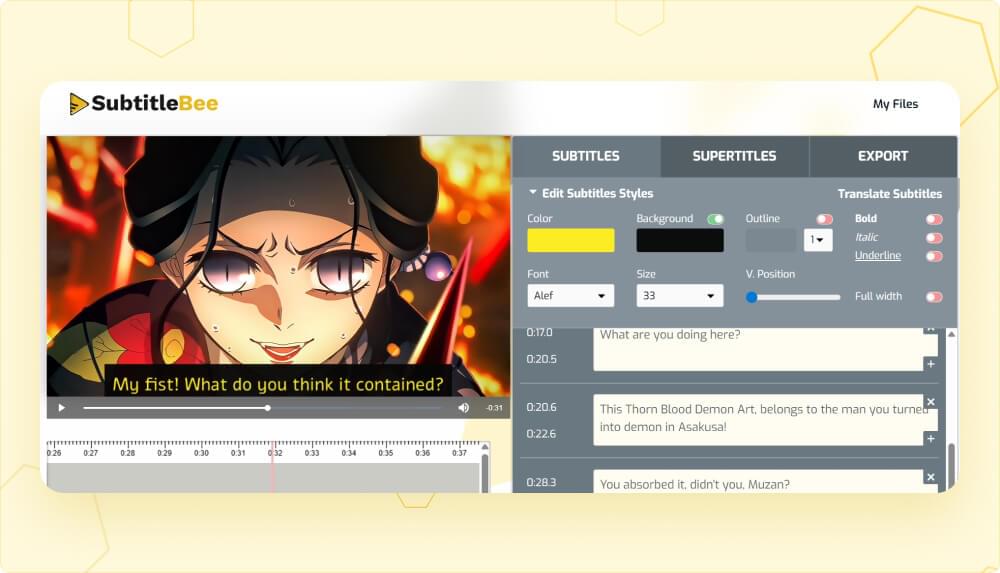
- You create content for multiple social platforms. In addition to multiple video formats, SubtitleBee has video resizing feature to let you quickly adapt videos for YouTube, Facebook, LinkedIn, Snapchat, and Instagram with different aspect ratio requirements.
- You need transcription export options. SubtitleBee allows you to export the subtitles and transcription files in SRT, VTT, TXT, and ASS formats.
- You want a simpler and more affordable tool because at $16/month for the Starter plan, SubtitleBee costs less than Riverside FM’s Pro plan while offering features specifically designed for subtitling.

Conclusion
Ultimately, both Riverside FM and SubtitleBee are great tools in their own spaces. When it comes to deciding which tool to choose, you should keep these two things in mind:
- Riverside FM is a great tool for podcasters, interviewers, and live streamers who want recording and streaming capabilities in the same platform. The transcription features are also available as a bonus, but they are not the primary focus of the software.
- SubtitleBee is the perfect choice for content creators and individuals who want reliable features related to subtitles, transcription, caption translation, overlay texts, and video customization. It is more affordable than Riverside FM tool and can fulfill all your subtitle-related requirements from the same user-friendly dashboard.
You can also experience both the tools by yourself by exploring their interfaces through the free trials and pick the one that suits your requirements.
Ready to see the difference? Try SubtitleBee for free and generate accurate subtitles and transcriptions in minutes.



Add and translate your subtitles to more than 100 languages with high accuracy
Our solution
SubtitleBee
Make your video understandable by using SubtitleBee for free
Start now for freeTop Articles

Getting Started with AI-Powered SubtitleBee

3 Effective Ways To Add Subtitles To Video Online Without Watermark

VEED vs. Kapwing: Which Subtitle Generator wins?

Kapwing vs. SubtitleBee: Which subtitling tool should you choose?

5 Top Verbit Alternatives for Transcription