



video tutorials for social media
What Font Does TikTok Use? TikTok Sans and In-App Fonts
TikTok uses TikTok Sans, its own custom typeface, for the app interface and for the default “Classic” text style you add to videos. It replaced Proxima Nova in 2023, and since 2025 it has been a free, open-source font you can download from Google Fonts.
If you want a bolder, humorous look, see what a meme font is and the most popular options.
TikTok fonts come in two groups: the brand font, TikTok Sans, and the set of text styles in the in-app editor (Classic, Typewriter, Neon, and others).
This guide covers the official TikTok font, where to get it, the in-app text styles and when to use each one, and free fonts you can use to match the TikTok look when you caption videos outside the app with a tool like SubtitleBee.
What is the official TikTok font?
TikTok’s official font is TikTok Sans. TikTok introduced it in May 2023, built with the Swiss type foundry Grilli Type, and rolled it out across the app and all brand channels. Before that, the app used Proxima Nova, a commercial typeface by Mark Simonson Studio. Many viral videos from the Proxima Nova years made the old “Classic” look iconic.
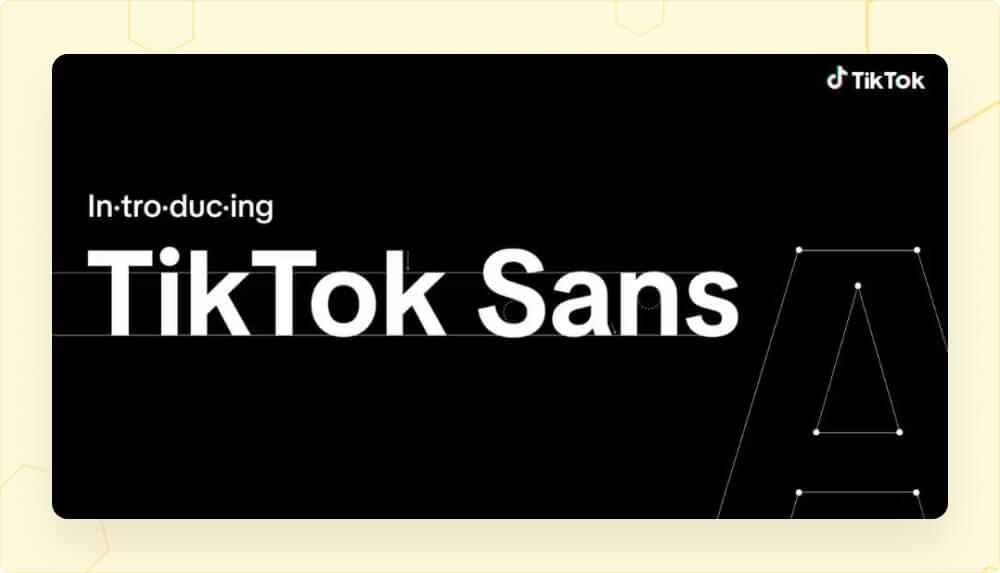
According to TikTok’s announcement, the new font was designed to fix readability problems on small screens:
- Clearer letters: bigger openings and clearer strokes make similar letters easier to tell apart.
- Larger text: compared to Proxima Nova, TikTok Sans is visually larger, with more line height and adjusted letter spacing.
- More languages: it launched with support for English, Spanish, Portuguese, French, German, Italian, Indonesian, Turkish and Vietnamese.
- Anti-spoofing: it includes alternate shapes for letters and numbers that are easy to mix up, which helps protect against fake usernames.
TikTok for Developers describes TikTok Sans as “the core font behind the TikTok experience, from text overlays on videos and images to the entire interface”. You see it in:
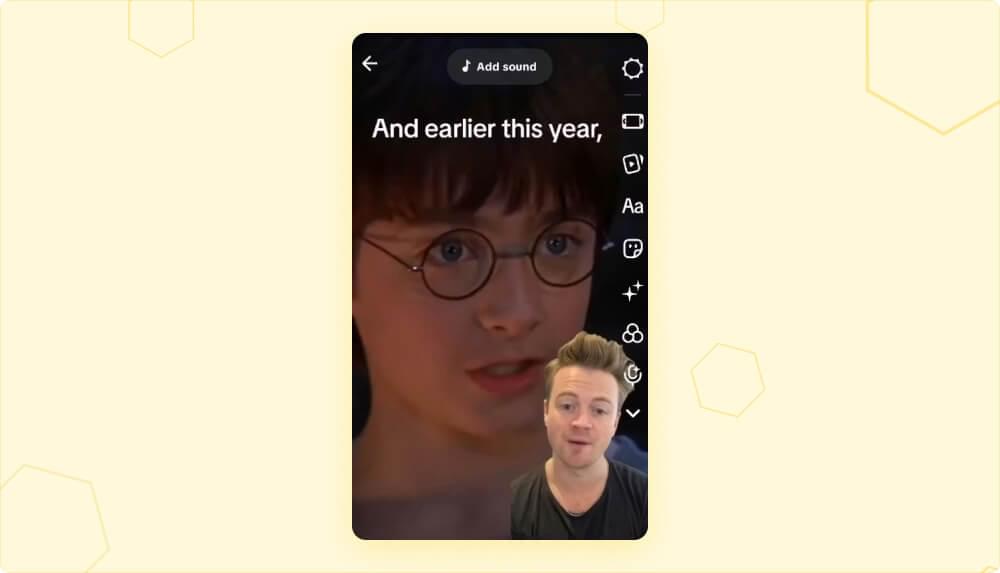
- the “Classic”, “Bold” and “Oblique” text styles, plus other in-app font options
- comments, menus, buttons and labels
- usernames and profile text
How to get the official TikTok font
You can download TikTok Sans for free. In 2025 TikTok released it as an open-source font under the SIL Open Font License 1.1, which allows personal and commercial use. You can get it from:
- Google Fonts
- the official TikTok Sans GitHub repository
- TikTok’s font page at tiktok.com/font
To use it on your computer:
- Open the TikTok Sans page on Google Fonts and click Get font, then Download all.
- Unzip the file. It contains the variable font files plus a folder of static styles (Regular, Bold, and so on).
- Install the fonts. On Windows, right-click the .ttf files and choose Install. On a Mac, double-click a file and click Install Font in Font Book.
- Restart your video or design editor so the font shows up in the font list.
Web designers can also load it from Google Fonts or install it from npm through Fontsource. The font will not appear inside the TikTok app’s text tool as a separate option, because TikTok already uses it there as Classic.
The open-source version was expanded by Type Network and Contrast Foundry. It is a variable font with four axes (weight, width, slant and optical size), so one file covers everything from light to extra bold and from condensed to expanded. It supports 460+ languages that use Latin, Greek and Cyrillic scripts.
One limit: TikTok Sans does not cover scripts such as Arabic, Hebrew, Hindi, Thai, Chinese, Japanese or Korean. The GitHub page lists these as unsupported, so videos in those languages need a different font.
You no longer need a Proxima Nova license to match the TikTok look. Before TikTok Sans was free, creators used free geometric sans serif fonts such as Montserrat as a stand-in, and Montserrat is still a good option if your editor does not have TikTok Sans.
What fonts are in the TikTok app in 2026?
When you tap Text in the TikTok editor, you can pick a font, change the text and background color, set the alignment and add highlights. TikTok’s help center describes the steps but does not publish a full font list, and the options can vary by app version and region.
These are the styles most creators know. Each one suits a different kind of video.
TikTok font 1: Classic
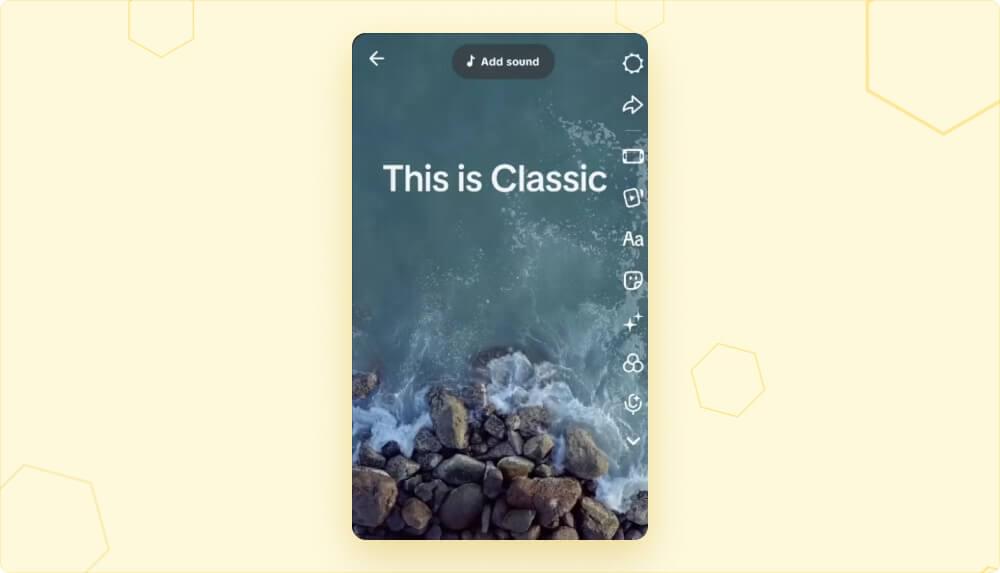
Classic is the default TikTok font and the one viewers associate with TikTok’s native look. Today it is TikTok Sans. It is clean and readable on any background, which makes it the safest choice for captions, hooks and quick on-screen text.
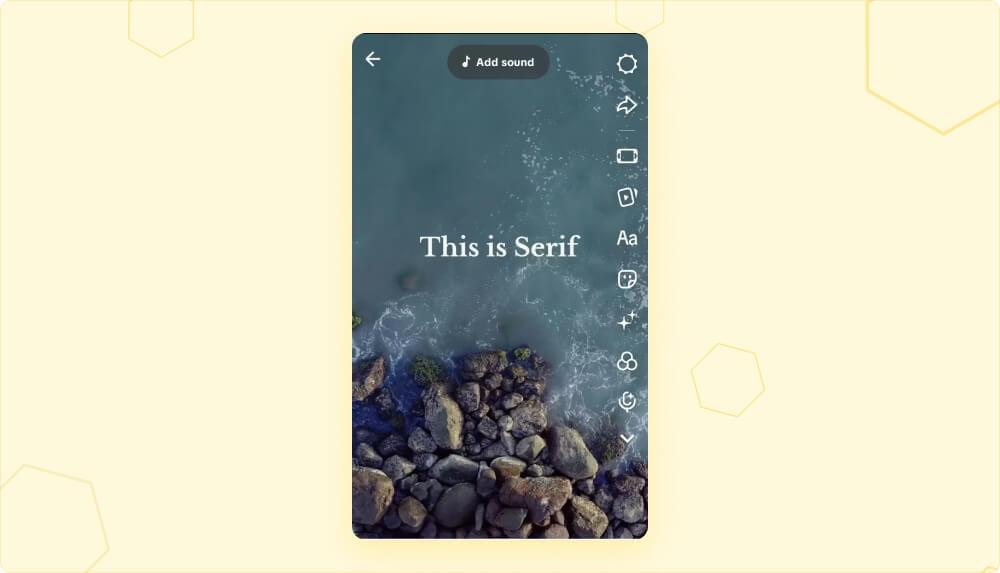
TikTok font 2: Serif
Serif adds small strokes to the ends of letters, which gives text a more traditional, bookish feel. Use it for quotes, book edits, journaling-style clips, aesthetic edits and educational content.
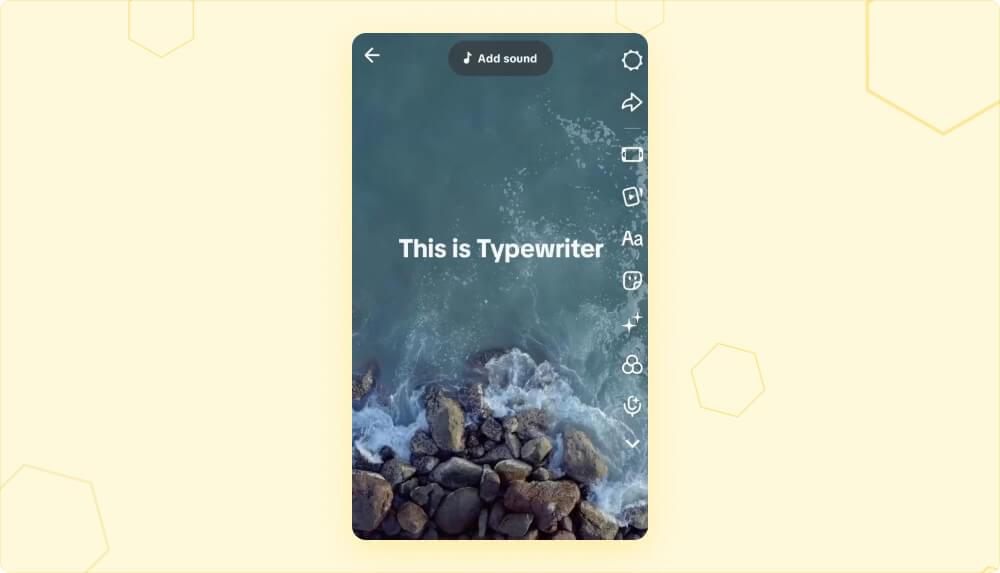
TikTok font 3: Typewriter
Typewriter is a monospaced font that looks like it was typed on an old typewriter. It works well for storytelling, POV videos and nostalgic or emotional edits. Keep the text short, because monospaced text gets hard to read in long lines.
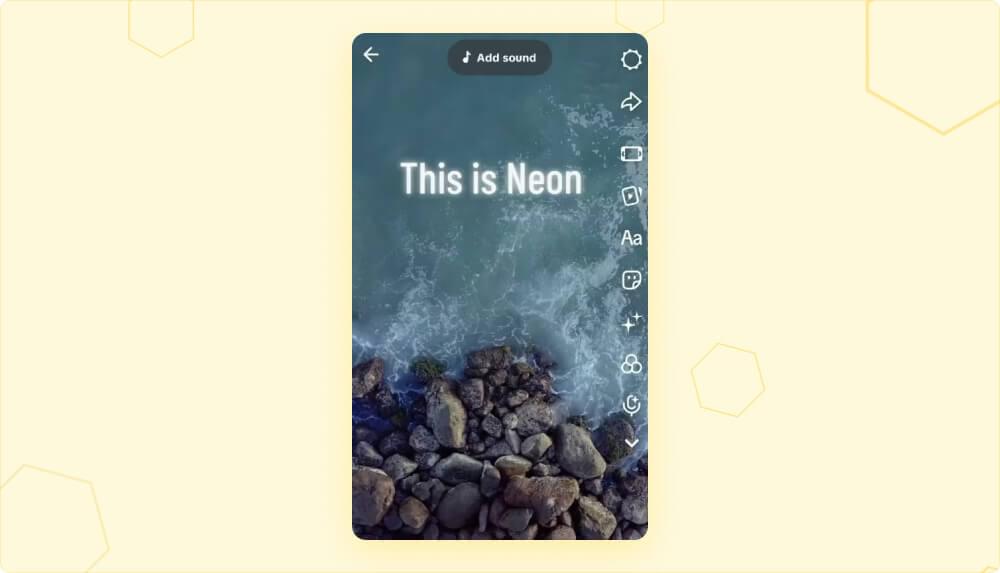
TikTok font 4: Neon
Neon has a glowing outline that looks like a neon sign. It fits party clips, dance videos, music edits and other high-energy content. Use it for a few words at a time, since the glow reduces readability in longer captions.
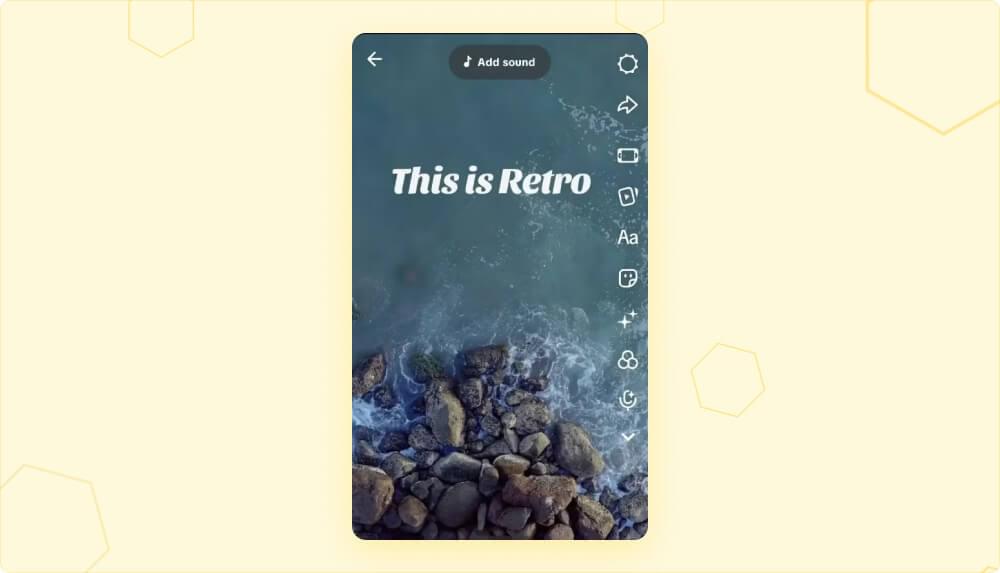
TikTok font 5: Retro
Retro styles use rounded, bubbly or hand-drawn letters with a vintage feel. They work best for headings, pop-up text and short titles rather than full subtitles.
A simple rule: use Classic for anything people need to read quickly, such as subtitles and hooks, and save decorative styles for short titles and accents.
Free TikTok-style fonts to use outside the app
If you caption your videos in another editor, these free fonts from Google Fonts give you a similar look. All four are released under open licenses (SIL Open Font License or Apache 2.0), so you can use them in commercial videos.
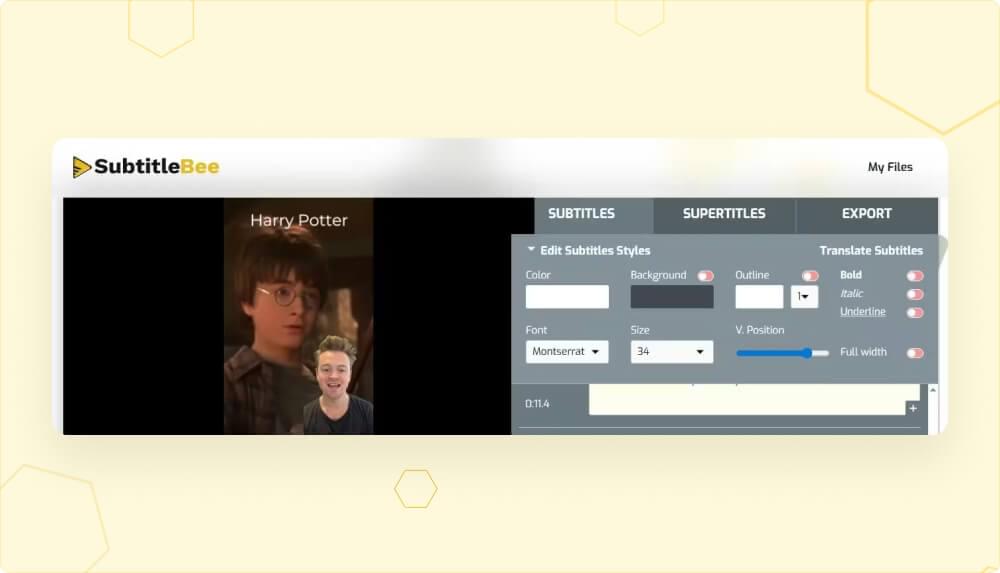
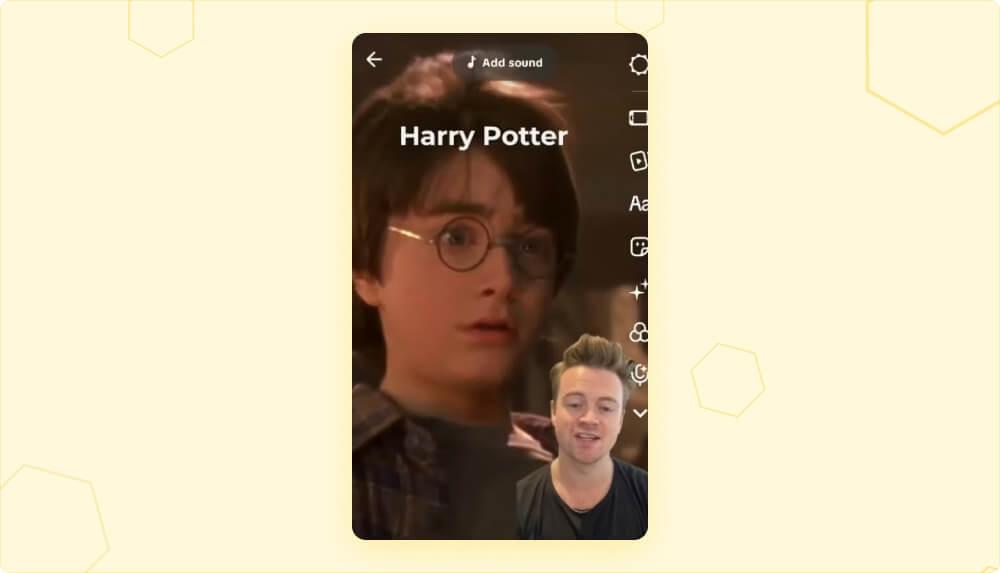
Montserrat
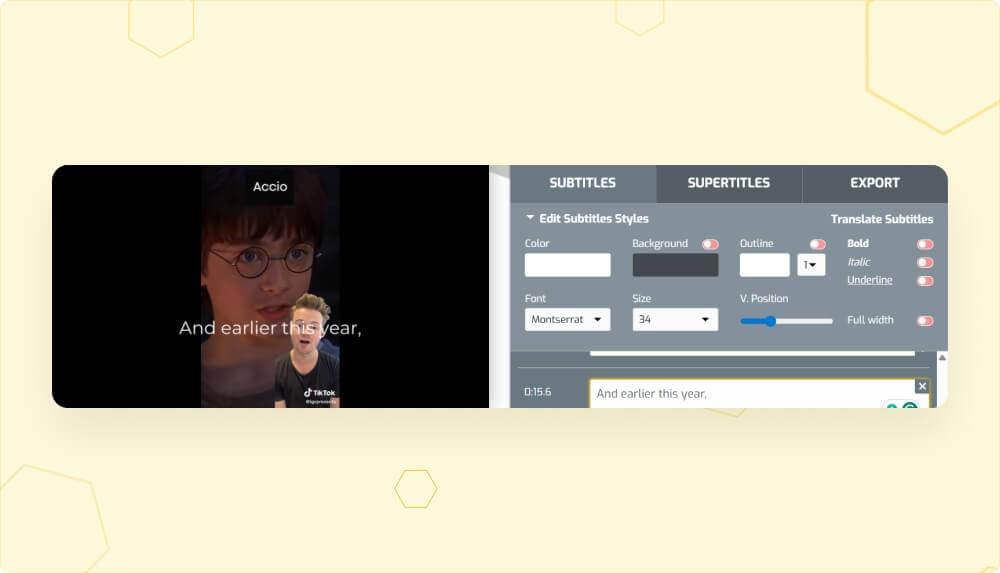
Montserrat is a geometric sans serif by Julieta Ulanovsky and team. Its clean, even shapes are close to TikTok Sans and Proxima Nova, which is why creators have long used it to copy the Classic look. It stays sharp at small sizes, so it works for full subtitles.
Poppins
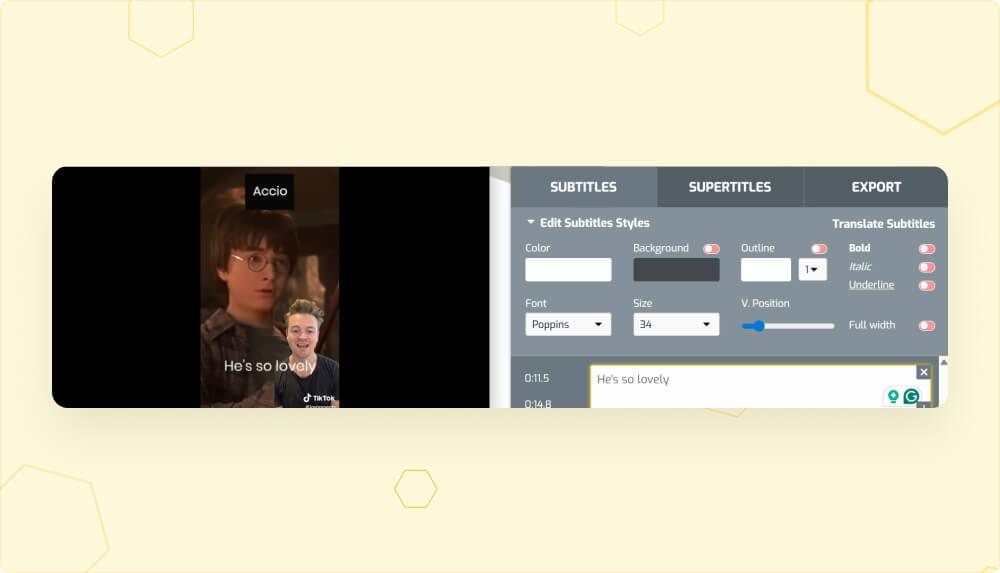
Poppins, by Indian Type Foundry, is another geometric sans serif with round, evenly spaced letters. It reads slightly wider and friendlier than Montserrat and is a good choice for bold hooks and titles.
Permanent Marker
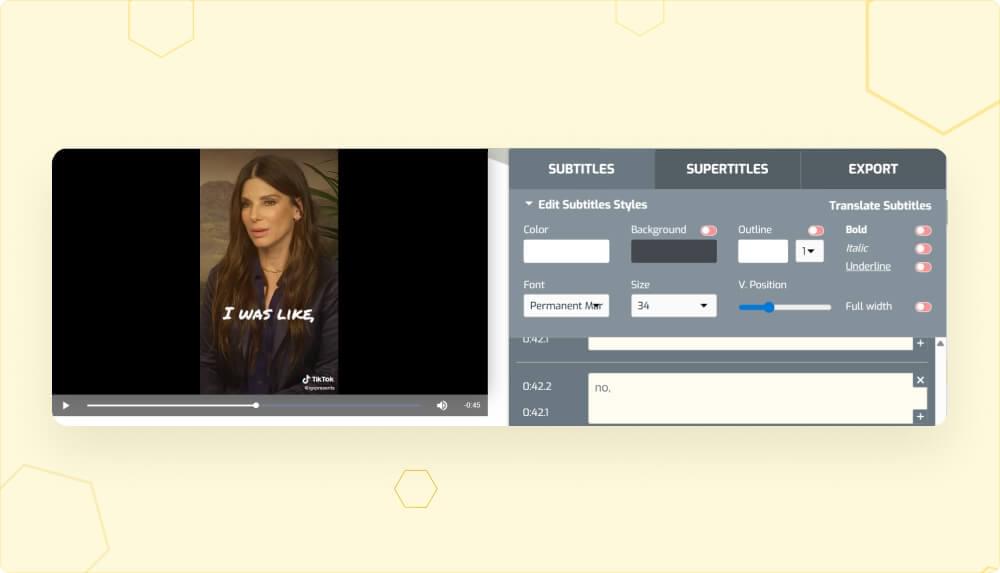
Permanent Marker, by Font Diner, looks like thick handwriting with a felt-tip marker. It is all caps and slightly tilted, which gives text a casual, energetic feel. Use it for short titles and reactions.
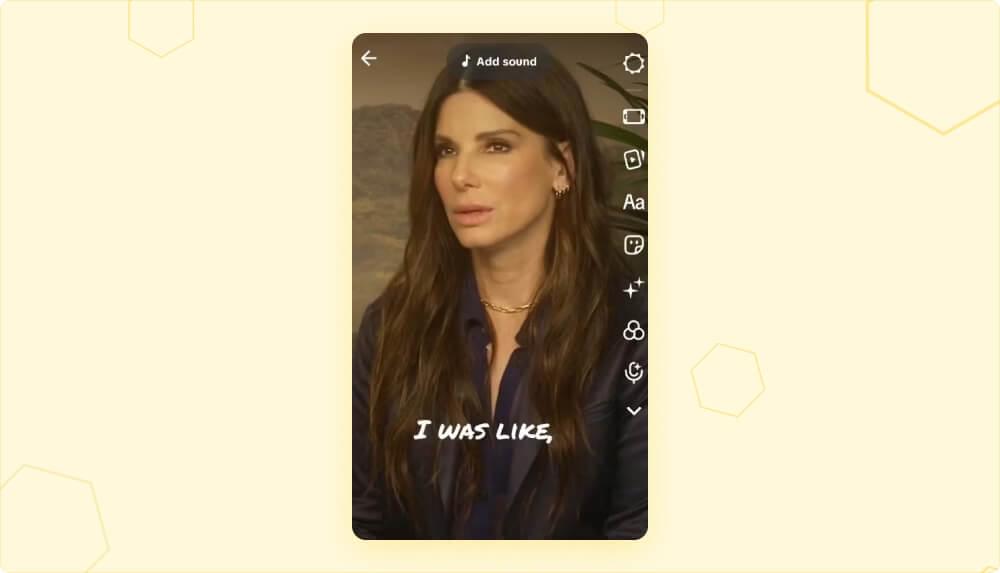
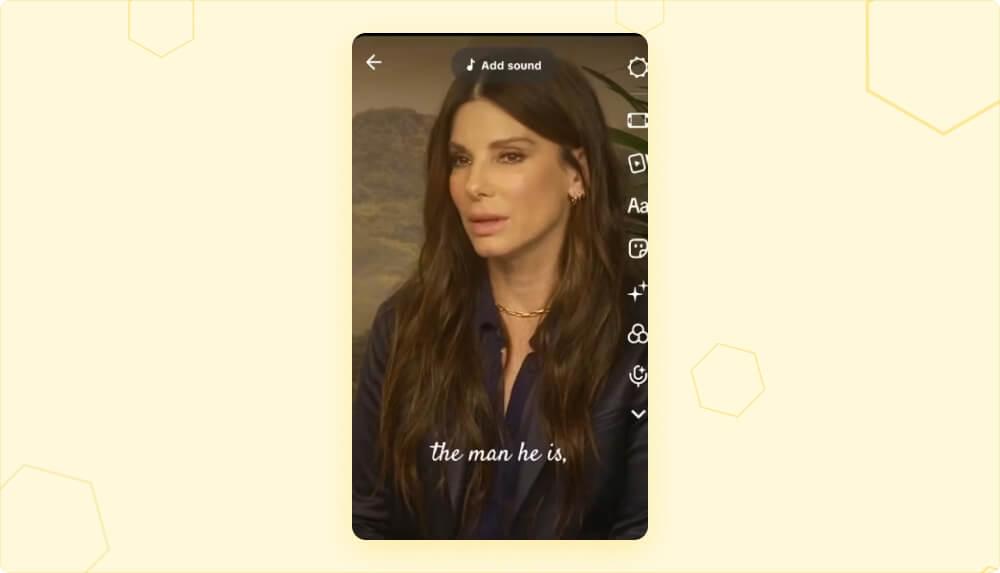
Satisfy
Satisfy, by Sideshow, is a flowing script font. It gives text an elegant, handwritten look. Keep it to a few words, since script fonts are harder to read at speed.
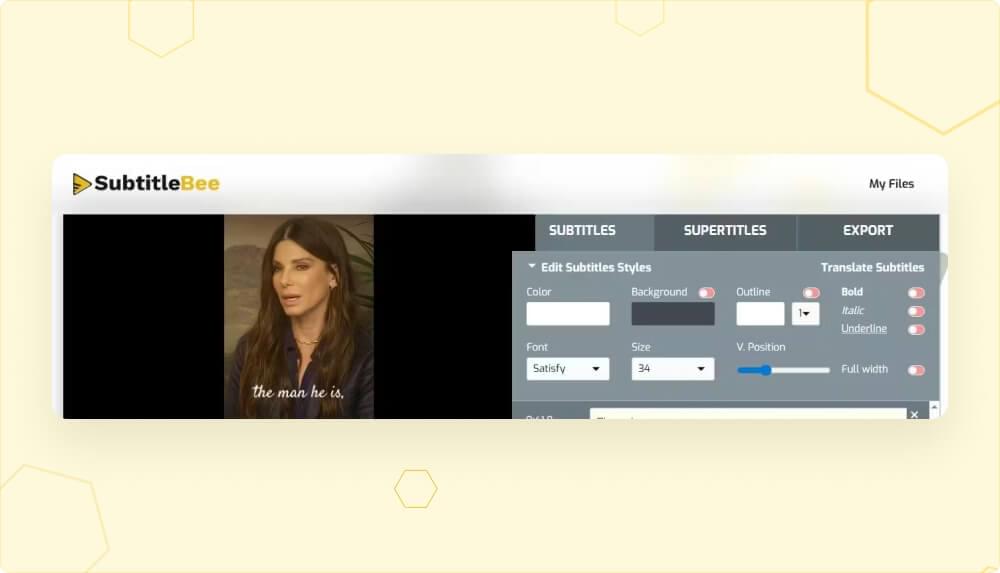
How to add TikTok-style captions with SubtitleBee
TikTok’s own auto captions and text tool work well for simple videos. If you want captions burned into the video before you upload it, or you post the same clip on several platforms, an outside subtitle tool gives you more control.
SubtitleBee generates subtitles automatically with up to 95% accuracy and can translate them into 100+ languages. In the editor you can change the caption font, color, size and opacity to match your TikTok style. You can then download the video with burned-in subtitles or download the subtitle file as .srt, .ass, .vtt or .txt. The free plan includes 10 minutes of auto subtitles, so you can test it on a few clips first.
Conclusion
TikTok’s official font is TikTok Sans. It powers the app interface and the Classic text style, it replaced Proxima Nova in 2023, and it is now free to download. Inside the app you can switch to styles like Serif, Typewriter, Neon and Retro to set a mood, and outside the app free fonts like Montserrat and Poppins give you a close match.
Whatever you pick, keep your subtitles in a clean, readable font and use decorative styles for short accents. A consistent style also makes your videos easier to recognize in the feed.
FAQs
1. What is the font of TikTok?
TikTok’s font is TikTok Sans, a custom typeface created with Grilli Type and launched in 2023. It is used across the app and in the default Classic text style.
2. Is the TikTok font free?
Yes. Since 2025, TikTok Sans has been free and open source under the SIL Open Font License 1.1. You can download it from Google Fonts, GitHub or tiktok.com/font and use it in personal and commercial projects.
3. What font did TikTok use before TikTok Sans?
TikTok used Proxima Nova, a paid font by Mark Simonson Studio. The old Classic caption look that many people remember from before 2023 was based on it.
4. What font is closest to the TikTok font?
TikTok Sans itself is now free, so you can use the real font. If your editor does not support it, Montserrat and Poppins are close free alternatives.
5. Which TikTok font is best for captions?
Classic is the best choice for captions because it is the easiest to read on small screens. Serif, Typewriter, Neon and Retro work better for short titles and accents than for full subtitles.



Add and translate your subtitles to more than 100 languages with high accuracy
Our solution
SubtitleBee
Make your video understandable by using SubtitleBee for free
Start now for freeTop Articles

Getting Started with AI-Powered SubtitleBee

3 Effective Ways To Add Subtitles To Video Online Without Watermark

VEED vs. Kapwing: Which Subtitle Generator wins?
Kapwing vs. SubtitleBee: Which subtitling tool should you choose?

5 Top Verbit Alternatives for Transcription